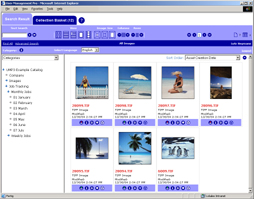
The UMP web application is a modified
WPP or ICP web application containing the WPP/ICP technologies.
All the Cumulus technology can be found in the 'WebPublisherPro.jar'
or 'InternetClientPro.jar' library file inside the 'WEB-INF/lib'
directory. These Java Class libraries try to connect to
the Cumulus Server version that they have been designed
for, so a Cumulus Web Publisher Pro 7.5 web application
expects a Cumulus 7.5 Server running containing a Cumulus
Web Publisher Pro 7.5 license.
You can find detailed information on how to use your
UMP web application with a different Cumulus Server version
in chapter 1.4 of the product documentation.
Go
to chapter 1.4 of UMP documentation...
|